 ICsg QP(S) Team
ICsg QP(S) Team
ICsg QP(S) Team

This app does not collect or store your data. Your name stays on this phone only. Your photo goes only where you send it: the CR203 WhatsApp group, same as today. The app just tidies each photo so month-end timesheets and claims are faster.
Which phone do you have?
Android (Chrome)

Tap the button. Then tap Install.
Step 1 of 4


This page must be open in Safari, not inside WhatsApp.This page must be open in Chrome, not inside WhatsApp.
You are inside WhatsApp now. Tap ... then Open in Safari.
If it is already open there, tap Next.
Or Add to Home screen on older phones.
Then come back here and tap Next.
Your Home Screen is the page with all your apps. You should see the new app:
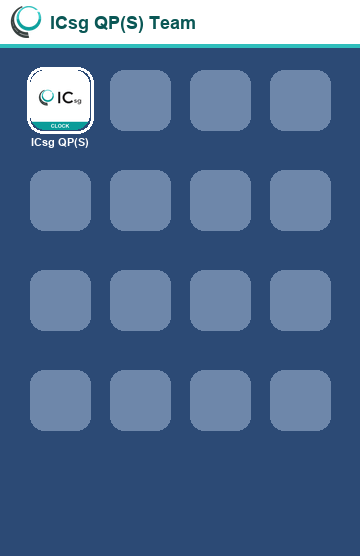
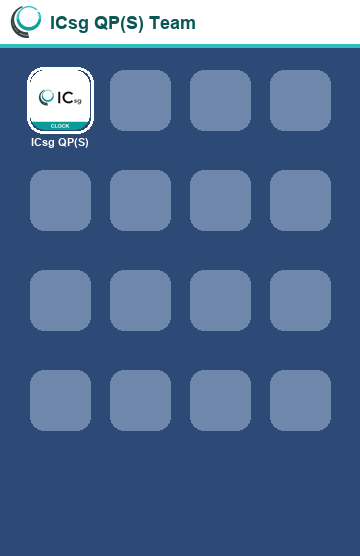
Tap it. You will see a green IN and a red OUT.
The first time, the app asks your team and your name once more.
Last thing: send one test photo to the CR203 group. After that, the group shows in the top row when you send.
Find the ICsg icon on your home screen.
Tap it. You will see a green IN and a red OUT.
This app does not collect or store your data. Your name stays on this phone only. Your photo goes only where you send it: the CR203 WhatsApp group, same as today. The app just tidies each photo so month-end timesheets and claims are faster.
Tip: after the first send, the CR203 group shows in the top row. Tap it.
Pick the CR203 group if WhatsApp asks.
Thank you from the ICsg QP(S) Team.
No caption in the chat? Press and hold the message box, then tap Paste. It is already copied.
Tip: pin the group in WhatsApp. Press and hold the group chat, then tap Pin.
Your photo has not been sent yet.